
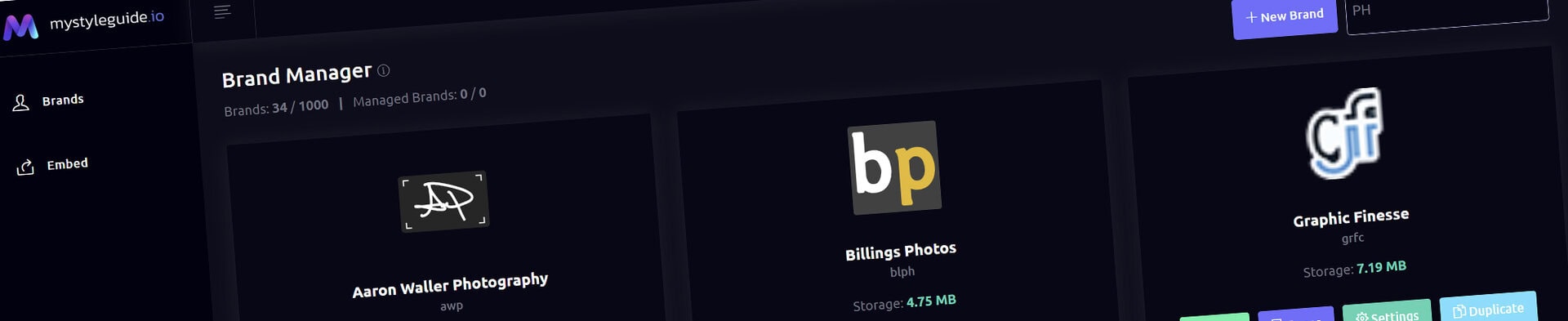
Screenshot of BrandWild digital brand guide interface showing organized assets.
Screenshot of BrandWild platform showing brand assets and organization tools.

Visual Page Builder

Build, preview, save, and publish guide pages visually.

Visual Page Builder

Visual Page Builder is the current page-authoring experience. It combines a realistic responsive canvas, component structure panel, inspector controls, live preview, reusable components, and draft publishing.

What you can do

  • Add, arrange, and edit page components
  • Preview realistic desktop and responsive layouts
  • Use shared component appearance settings
  • Publish a draft page directly beside Save
  • Open Page Preview automatically for draft pages or draft brands

How it works

Hero and Full-Width Media keep dedicated background and overlay controls. Most other standard components use the shared Appearance area. Draft pages are private until both the page and its parent brand are published.

Tips

  • Use the structure panel for precise ordering
  • Save before leaving the page
  • Review draft work through Page Preview
Screenshot of BrandWild digital brand guide interface showing organized assets.BrandWild logo showcasing digital brand management and organization tools.

Create and Sharing your brand guides Quickly and Easily

BrandWild helps teams prevent off‑brand mistakes by giving everyone a single, reliable place to access your brand assets and guidelines. Built with thoughtful design and real‑world branding experience, it makes communicating your identity simple, consistent, and effortless
Go BrandWild →
© 2023 - 2026 BrandWild
  |  
Website Design by: 
Graphic Finesse