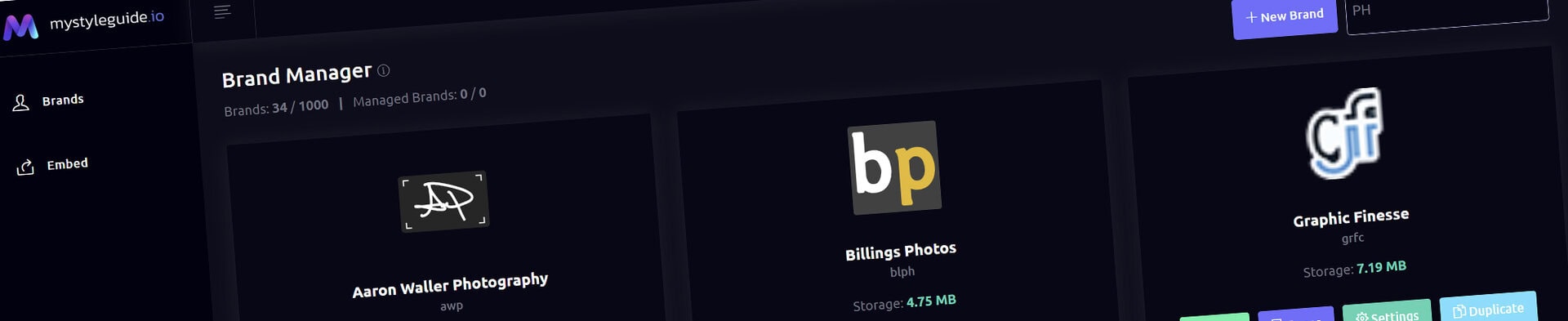
Screenshot of BrandWild digital brand guide interface showing organized assets.
Screenshot of BrandWild platform showing brand assets and organization tools.

Image Component

Display approved visual reference material in a guide.

Image Component

Image displays an approved visual within a page. Use it for examples, logo applications, photography, diagrams, and supporting reference material.

What you can do

  • Select an approved image asset
  • Choose the supported fit and presentation options
  • Add useful alternative text and captions where appropriate

How it works

Use images that educate or clarify a brand decision. Keep source files managed in the brand asset library.

Tips

  • Avoid decorative imagery with no instructional value
  • Use concise, descriptive alternative text

Screenshot of BrandWild digital brand guide interface showing organized assets.BrandWild logo showcasing digital brand management and organization tools.

Create and Sharing your brand guides Quickly and Easily

BrandWild helps teams prevent off‑brand mistakes by giving everyone a single, reliable place to access your brand assets and guidelines. Built with thoughtful design and real‑world branding experience, it makes communicating your identity simple, consistent, and effortless
Go BrandWild →
© 2023 - 2026 BrandWild
  |  
Website Design by: 
Graphic Finesse