
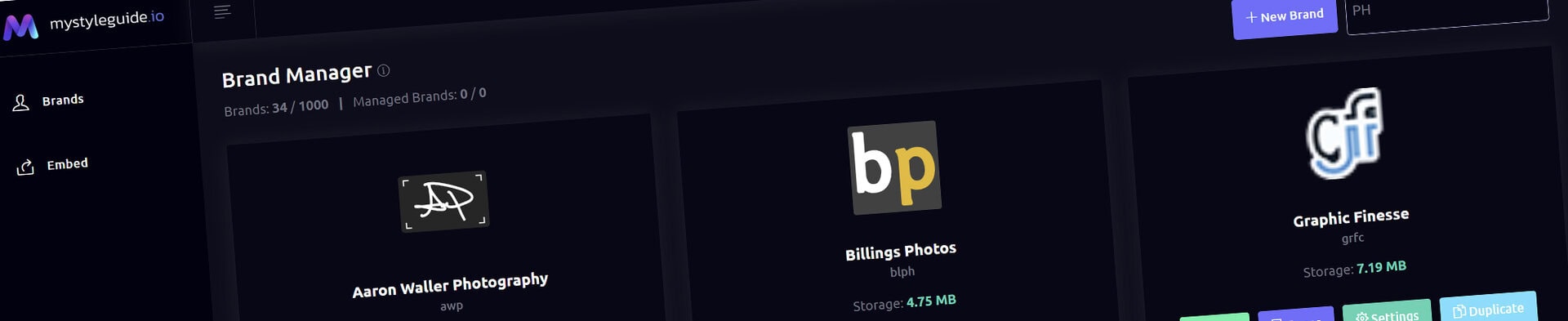
Screenshot of BrandWild digital brand guide interface showing organized assets.
Screenshot of BrandWild platform showing brand assets and organization tools.

Full‑Width Media Component

Build a full-width visual statement with dedicated media controls.

Full‑Width Media Component

Full-Width Media creates an edge-to-edge visual section using its own image or video background controls.

What you can do

  • Choose image or video background media
  • Set the component overlay color and opacity
  • Add optional headline, supporting copy, and actions

How it works

Full-Width Media keeps its background, overlay, and opacity controls on the component. The old non-functional Appearance and Text Color controls are not used.

Tips

  • Use high-contrast text over media
  • Use overlays to preserve readability
Screenshot of BrandWild digital brand guide interface showing organized assets.BrandWild logo showcasing digital brand management and organization tools.

Create and Sharing your brand guides Quickly and Easily

BrandWild helps teams prevent off‑brand mistakes by giving everyone a single, reliable place to access your brand assets and guidelines. Built with thoughtful design and real‑world branding experience, it makes communicating your identity simple, consistent, and effortless
Go BrandWild →
© 2023 - 2026 BrandWild
  |  
Website Design by: 
Graphic Finesse