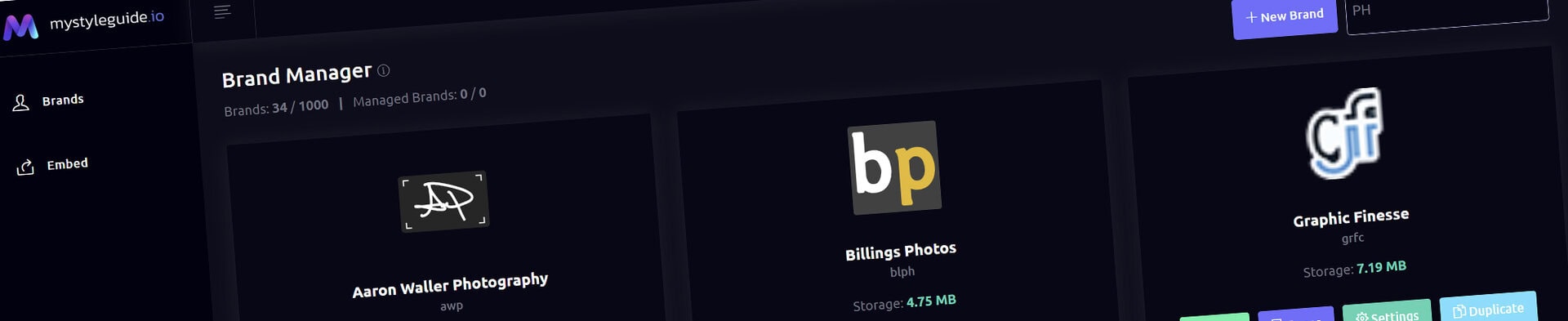
Screenshot of BrandWild digital brand guide interface showing organized assets.
Screenshot of BrandWild platform showing brand assets and organization tools.

Color Gallery Component

Explain a brand color system with visual swatches and guidance.

Color Gallery Component

Color Gallery presents approved color groups with names, values, and practical usage guidance.

What you can do

  • Choose saved colors or palettes
  • Add labels and role guidance
  • Use supported shared appearance settings

How it works

Use Color Manager as the source of truth, then use Color Gallery to explain how colors work together.

Tips

  • Describe purpose, not only HEX values
  • Include accessibility guidance where relevant

Screenshot of BrandWild digital brand guide interface showing organized assets.BrandWild logo showcasing digital brand management and organization tools.

Create and Sharing your brand guides Quickly and Easily

BrandWild helps teams prevent off‑brand mistakes by giving everyone a single, reliable place to access your brand assets and guidelines. Built with thoughtful design and real‑world branding experience, it makes communicating your identity simple, consistent, and effortless
Go BrandWild →
© 2023 - 2026 BrandWild
  |  
Website Design by: 
Graphic Finesse