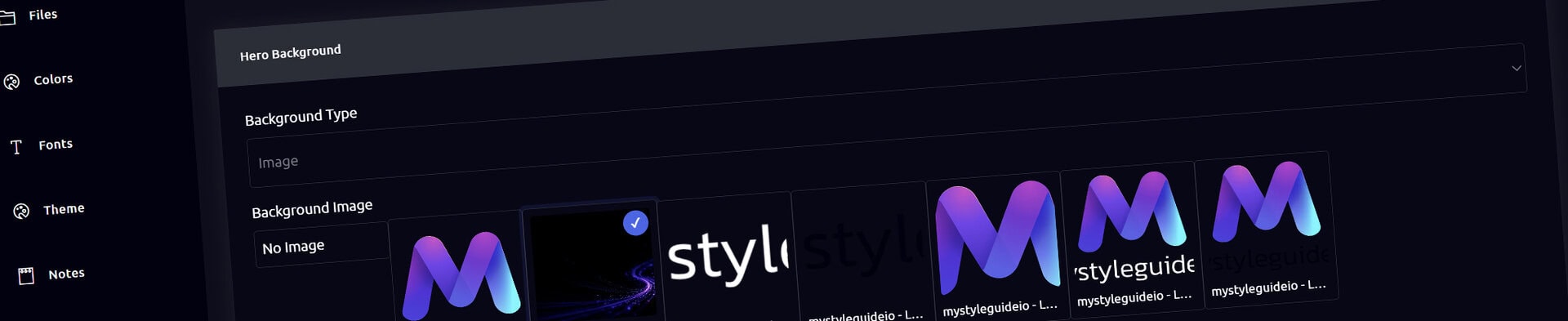
Screenshot of BrandWild digital brand guide interface showing organized assets.
Digital hero component with vibrant purple and blue branding elements.

Hero Component

Create a strong opening section for a guide page.

Hero Component

Hero introduces a page with a headline, optional subheadline, logo, and call to action.

What you can do

  • Set a color, image, or video background
  • Configure Hero overlay color and opacity
  • Set headline and supporting text styling
  • Add an optional logo or action

How it works

Hero background image, overlay, opacity, and headline controls remain dedicated to Hero for clarity and backward compatibility.

Tips

  • Use a concise page-level message
  • Check contrast at desktop and mobile widths

Screenshot of BrandWild digital brand guide interface showing organized assets.BrandWild logo showcasing digital brand management and organization tools.

Create and Sharing your brand guides Quickly and Easily

BrandWild helps teams prevent off‑brand mistakes by giving everyone a single, reliable place to access your brand assets and guidelines. Built with thoughtful design and real‑world branding experience, it makes communicating your identity simple, consistent, and effortless
Go BrandWild →
© 2023 - 2026 BrandWild
  |  
Website Design by: 
Graphic Finesse