
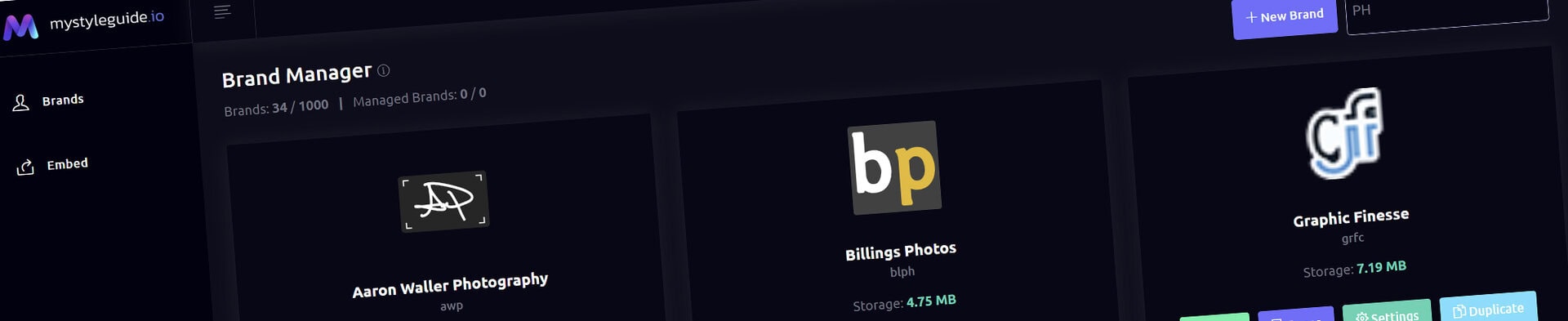
Screenshot of BrandWild digital brand guide interface showing organized assets.
Screenshot of BrandWild platform showing brand assets and organization tools.

Font Gallery Component

Present approved brand fonts and their intended use.

Font Gallery Component

Font Gallery displays the fonts maintained in Font Manager, including their roles and guidance. Each font outlined in the Font Manager needs to correlate with an embed font from the Theme Manager.

What you can do

  • Show managed font records and usage guidance
  • Enable downloads only for approved resources
  • Disable font previews when a card preview is not appropriate

How it works

When Disable font previews is selected, the entire font-card preview is removed rather than leaving only an alphabet sample.

Tips

  • Keep font guidance practical
  • Confirm downloadable files are licensed for distribution
Screenshot of BrandWild digital brand guide interface showing organized assets.BrandWild logo showcasing digital brand management and organization tools.

Create and Sharing your brand guides Quickly and Easily

BrandWild helps teams prevent off‑brand mistakes by giving everyone a single, reliable place to access your brand assets and guidelines. Built with thoughtful design and real‑world branding experience, it makes communicating your identity simple, consistent, and effortless
Go BrandWild →
© 2023 - 2026 BrandWild
  |  
Website Design by: 
Graphic Finesse