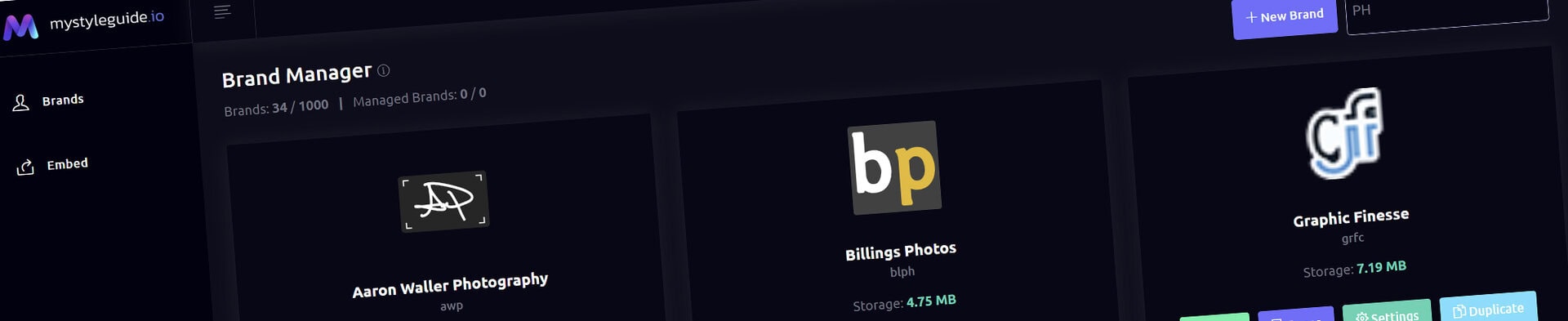
Screenshot of BrandWild digital brand guide interface showing organized assets.
Screenshot of BrandWild platform showing brand assets and organization tools.

Split Content Component

Combine supporting media and rich text in a flexible split layout.

Split Content Component

Split Content combines formatted copy with image or video media in a balanced side-by-side layout.

What you can do

  • Choose media type and image fit
  • Set a column ratio
  • Align content at the top, center, or bottom
  • Use rich text for the written portion

How it works

Use the layout ratio and vertical alignment to make media and text of different heights feel intentional.

Tips

  • Keep copy concise enough for the visual to matter
  • Choose media that directly supports the message

Screenshot of BrandWild digital brand guide interface showing organized assets.BrandWild logo showcasing digital brand management and organization tools.

Create and Sharing your brand guides Quickly and Easily

BrandWild helps teams prevent off‑brand mistakes by giving everyone a single, reliable place to access your brand assets and guidelines. Built with thoughtful design and real‑world branding experience, it makes communicating your identity simple, consistent, and effortless
Go BrandWild →
© 2023 - 2026 BrandWild
  |  
Website Design by: 
Graphic Finesse