We use cookies to improve your experience, analyze site performance, and personalize content and ads.
By accepting, you agree to the use of cookies for analytics and advertising.
You can manage or withdraw your preferences at any time.
Manage approved brand assets and downloadable resources.
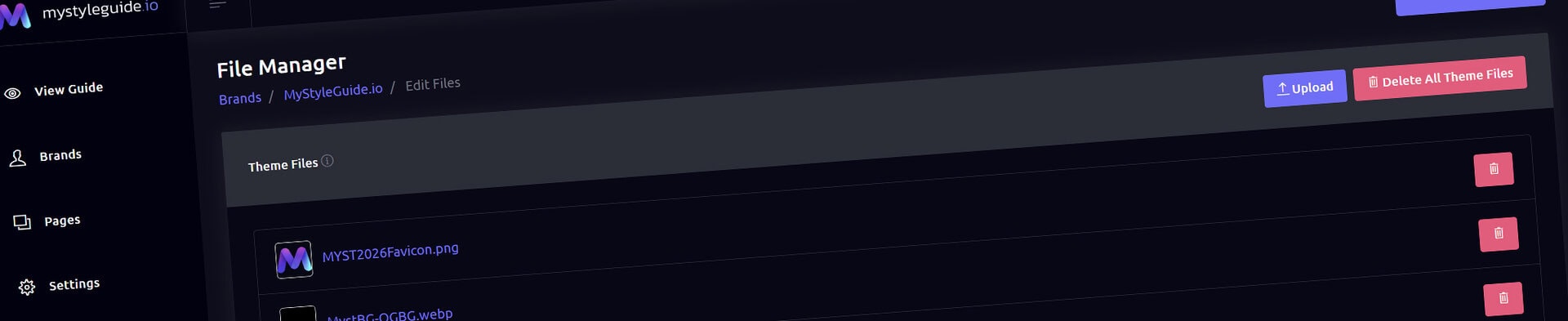
File Manager
File Manager organizes approved brand assets for use and download. It is the source for downloadable resources in a Download Gallery.
What you can do
Upload approved logo packages, templates, documents, and media
Use clear file names and groups
Manage files available to guide visitors
How it works
Download Gallery automatically reads eligible files from the current brand. Add and organize files here before building a resources page.
Tips
Distribute only files you are authorized to share
Use consistent naming for fast scanning
Create and Sharing your brand guides Quickly and Easily
BrandWild helps teams prevent off‑brand mistakes by giving everyone a single, reliable place to access your brand assets and guidelines. Built with thoughtful design and real‑world branding experience, it makes communicating your identity simple, consistent, and effortless