We use cookies to improve your experience, analyze site performance, and personalize content and ads.
By accepting, you agree to the use of cookies for analytics and advertising.
You can manage or withdraw your preferences at any time.
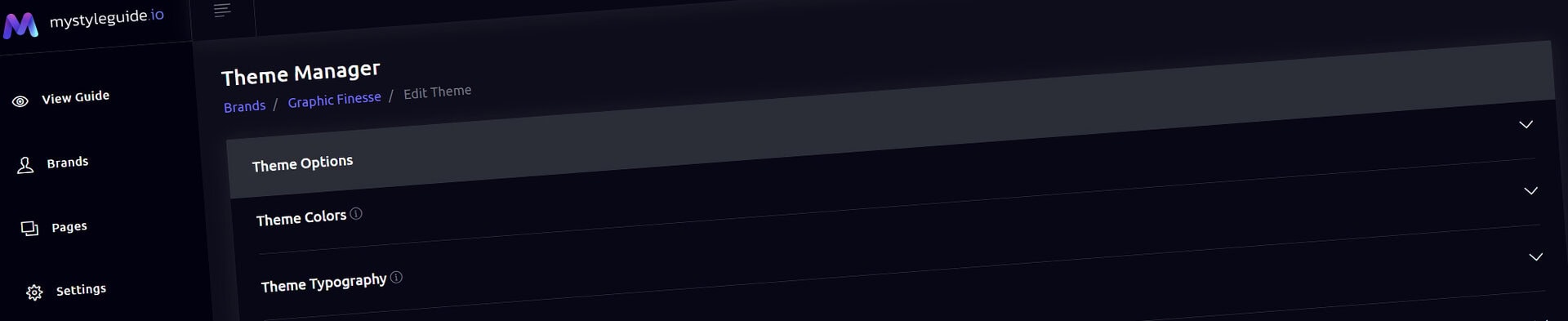
Customize the shared visual identity of a brand guide.
Theme Manager
Theme Customizer manages the visual system shared by a brand guide: color roles, typography roles, navigation styling, buttons, logos, favicon, and theme imagery.
What you can do
Set reusable light, dark, highlight, and typography colors
Configure type families, sizes, and weights. The main fonts Headline, Paragraph and Special are used throughout the guide to define typographic settings.
Load hosted or licensed fonts
Choose a navigation logo and favicon
Set the editing-interface appearance
How it works
Theme settings establish the default design language. Components can use supported local overrides, but theme roles should remain the primary source for consistent styling.
Tips
Use named theme roles before introducing one-off colors
Verify licensed font files before distributing them
Create and Sharing your brand guides Quickly and Easily
BrandWild helps teams prevent off‑brand mistakes by giving everyone a single, reliable place to access your brand assets and guidelines. Built with thoughtful design and real‑world branding experience, it makes communicating your identity simple, consistent, and effortless