We use cookies to improve your experience, analyze site performance, and personalize content and ads.
By accepting, you agree to the use of cookies for analytics and advertising.
You can manage or withdraw your preferences at any time.
Create, organize, preview, and publish your brand guides.
Brand Manager
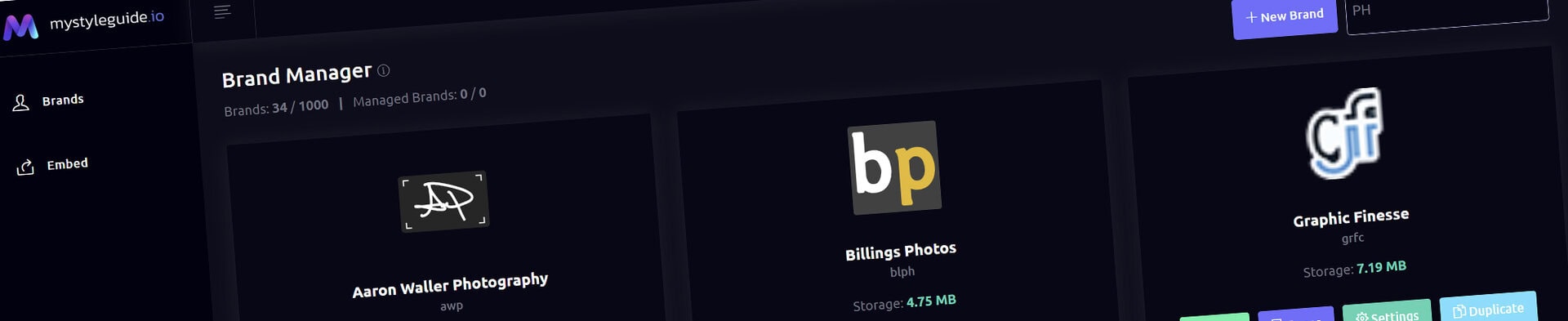
Brand Manager is the dashboard for every brand you own or manage. Each card shows its publication state and provides the fastest route to its pages and settings.
What you can do
Create a brand and optional starter Quick Style Guide
Open Pages or Settings for a specific brand
Preview a draft brand
Publish a draft brand directly from its card
Duplicate or delete brands when you are the owner
How it works
Draft brands are private. Select Publish Brand on a draft card to update the shared brand status in Settings and make the guide public. Published cards show View when the brand has pages.
Tips
Use a descriptive brand name and stable URL slug
Keep drafts private until pages and settings are ready
Create and Sharing your brand guides Quickly and Easily
BrandWild helps teams prevent off‑brand mistakes by giving everyone a single, reliable place to access your brand assets and guidelines. Built with thoughtful design and real‑world branding experience, it makes communicating your identity simple, consistent, and effortless